Tech & Gadgets
Crop Video for Better Engagement: The Secret to Viral Clips
Have you ever uploaded a video you were proud of, only to watch people scroll past it within seconds? The idea was strong, the content was solid, but something just didn’t click. Often, it’s not the story itself that’s the problem it’s how the story is shown. A video can lose viewers if faces are […]

Have you ever uploaded a video you were proud of, only to watch people scroll past it within seconds? The idea was strong, the content was solid, but something just didn’t click. Often, it’s not the story itself that’s the problem it’s how the story is shown. A video can lose viewers if faces are cut off, subjects appear too small, or ugly black bars ruin the look. That’s where learning how to crop video the right way makes all the difference.
The good news? You don’t need to be a pro editor to do it right. With smart tools like Pippit’s Smart Crop, the heavy lifting is done for you. Your videos stay platform-ready, polished, and engaging without hours of manual tweaking.
In this blog, let’s dive into why cropping is the secret to better engagement, how it can turn an average video into a viral one, and how Pippit makes the whole process smooth, quick, and stress-free.
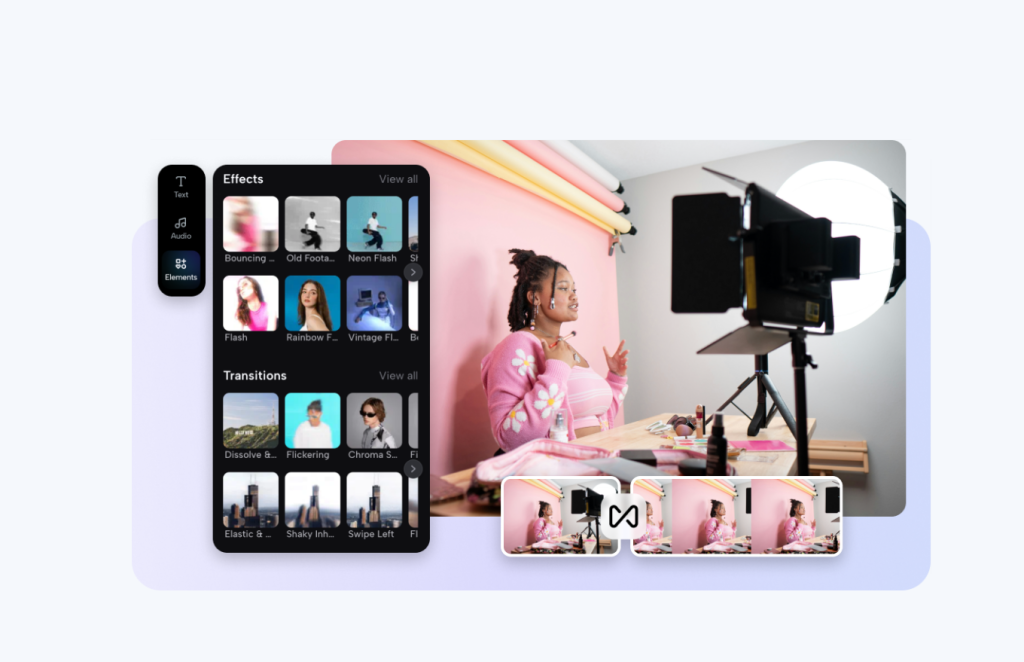
Why do people stop scrolling when videos are poorly cropped
Think about how you watch TikTok, Instagram Reels, or YouTube Shorts. You don’t spend long on a video unless it grabs your attention right away. If the main subject is too small, important details are cut off, or the framing feels messy, people instantly swipe away.
Cropping helps fix that. It highlights what matters most and removes distractions.
- A cooking video is more appetizing when the camera zooms in on the sizzling pan.
- A reaction video is funnier when the person’s face fills the frame.
- A product demo looks sharper when the background clutter is gone.
How bad framing quietly kills engagement
We’ve all seen it videos where half the screen is empty, or worse, where important details are missing. Poor cropping doesn’t just make a video look unprofessional, it also makes it harder for viewers to connect.
- Key expressions or actions get cut out.
- Empty gaps make the video feel boring.
- Background noise distracts from the main subject.
Even with a brilliant idea, the wrong framing can strip away impact and cause viewers to lose interest.
Why each platform demands its own crop
Here’s the tricky part: every platform has its own preferred aspect ratio. Uploading the same video everywhere without adjusting it is one of the fastest ways to lose engagement.
- Instagram Reels & TikTok (9:16 vertical): Works best when faces and actions are centered.
- YouTube (16:9 widescreen): Perfect for storytelling, but empty backgrounds can feel slow.
- Instagram Feed (1:1 or 4:5): Square and portrait crops take up more feed space, making posts stand out.
A video that shines on YouTube might flop on TikTok if the ratio isn’t right. Cropping smartly for each platform isn’t optional it’s essential.
How to use Pippit Smart Crop to crop video perfectly
Here’s where Pippit makes things simple. Instead of juggling multiple tools, its AI-powered features ensure your content always looks professional. Here’s a step-by-step guide to using Smart Crop:
Step 1: Upload your videos
Log in to Pippit and head to the Smart crop tool. Click Upload and bring in your video from your device, cloud storage, or existing assets.
Step 2: Crop your videos
Select preset aspect ratios like 1:1 for Instagram or 9:16 for TikTok. The Smart Crop feature automatically adjusts framing to keep your subject in focus. Want more control? You can crop manually to spotlight faces, products, or movements without losing quality.
Step 3: Export your videos
Preview the cropped video to ensure it highlights the right parts. Choose your resolution and format, then hit Export. You can download the file or share it directly to platforms like TikTok, YouTube, or Instagram.
This saves hours. Instead of resizing the same clip over and over, you crop once and Pippit does the rest.
When cropping transforms content into share-worthy clips
Cropping isn’t just about fitting content into a frame. It’s about spotlighting the details that make people stop, watch, and share.
- Food content: Zoom in on the last drizzle of sauce to make the dish irresistible.
- Fitness videos: Highlight form so viewers can follow along correctly.
- Unboxings: Focus on the hands and product for maximum excitement.
- Reaction videos: Close-ups on facial expressions make humor land harder.
In every case, cropping turns a regular video into one that feels polished and captivating.
Why AI cropping beats manual editing every time
Sure, you can crop videos manually with editing software. But that often means:
- Resizing the same clip multiple times for each platform.
- Risking blurry or stretched frames.
- Spending hours fixing small mistakes.
AI-powered cropping eliminates all that. Pippit’s Smart Crop automatically detects the most important part of the frame and keeps it in focus—no missed details, no awkward cuts, no wasted time.
From viral clips to professional ads
Here’s something most creators don’t realize: once your video is properly cropped, you’re already halfway to a professional-looking ad. Clean, well-framed videos naturally feel more polished and engaging.
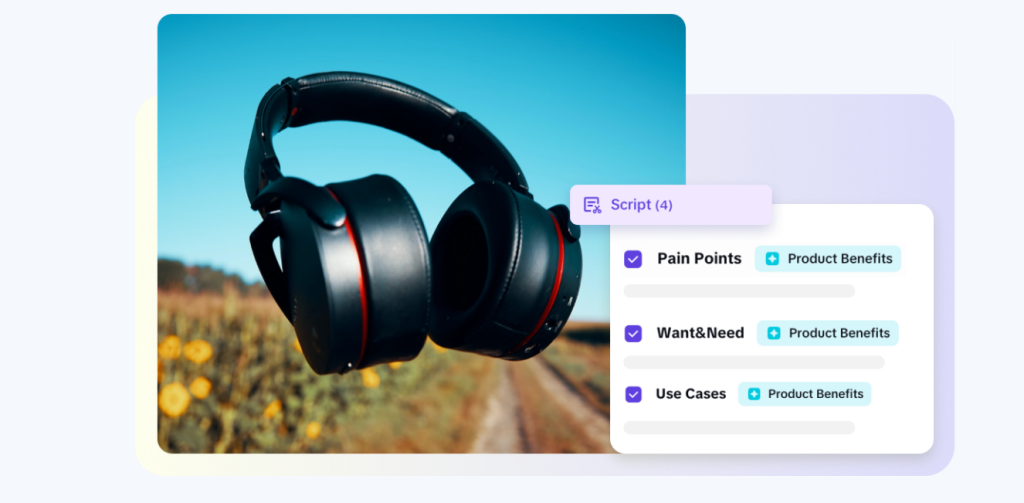
This is where Pippit takes things further. Alongside Smart Crop, it also offers tools like its AI lyrics generator, which can help creators craft captions, overlays, or even storytelling lines that match the mood of their videos. When paired with the ad maker you can instantly transform cropped clips into scroll-stopping ads.
Imagine this workflow: you crop video with Smart Crop, generate catchy on-screen lines with the AI lyrics generator, and then use the ad maker to style it all into a high-performing campaign. You don’t need a production team Pippit makes it possible in minutes.
Final thoughts
Cropping isn’t just a technical adjustment it’s the secret sauce that makes content stand out in today’s fast-scrolling world. Done right, it highlights what matters, grabs attention, and boosts engagement.
With Pippit’s Smart Crop, you don’t just crop video you prepare it for viral success. And when you combine it with tools like the AI lyrics generator and ad maker, you go beyond editing. You create content that feels professional, personal, and perfectly tailored for every platform.
If your goal is more views, better engagement, and ads that actually convert, cropping is where you start and Pippit is the tool that makes it effortless.
Written by
Arthur
Tech & Gadgets, MaviGadget
Arthur writes for the MaviGadget Journal, testing the gadgets that promise to change your day and reporting honestly on the ones that actually do.





