Outdoor & Travel

Maximize Your Google Maps Experience with these Smart Settings

Unlock the Full Potential of Google Maps with These Clever Settings Google Maps, more than just a navigation tool, offers a plethora of features enabling you to discover top-rated eateries, fuel stations, tourist hotspots, and much more. However, many invaluable features aren’t activated by default. Here’s a compilation of our favorite settings to enhance your […]

Maximize Your Google Maps Experience with these Smart Settings

Unlock the Full Potential of Google Maps with These Clever Settings Google Maps, more than just a navigation tool, offers a plethora of features enabling you to discover top-rated eateries, fuel stations, tourist hotspots, and much more. However, many invaluable features aren’t activated by default. Here’s a compilation of our favorite settings to enhance your Google Maps experience.

  • Always keep the map facing north: Google Maps often aligns the map with your orientation. If you prefer having the north always at the top, navigate to Google Maps settings > Navigation and activate ‘Keep map north up’.

  • Review your navigation settings: To avoid unexpected detours or delays due to changed navigation settings, it’s advisable to periodically review these settings under Settings > Navigation.

  • Make accessibility options more prominent: Enable ‘Accessible places’ in Settings > Accessibility to highlight accessibility information prominently for every listing on the app.

  • Incognito mode: Prevent Google Maps from logging your searches and location data by activating incognito mode.

  • Pause location history: To stop Google Maps from recording your location history, navigate to Your data in Maps > Location History.

  • Get rid of unwanted notifications: Customize your alert preferences in Settings > Notifications.

  • Download maps for offline use: For areas with poor internet connectivity, download maps for offline use via Offline maps in the profile icon.

  • Plot routes with multiple stops: Simulate your journey more accurately by adding stops to the route.

  • Set a reminder to leave: Google Maps can notify you when it’s time to leave in order to reach your destination as per schedule.

  • Change vehicle icon: For a fun tweak, change the default blue arrow vehicle icon.

  • Tell Google Maps which EV plugs you use: Specify your EV’s compatible charging plugs in Settings > Electric vehicle settings > Add plugs.

  • Customize public transit options: Tailor your route options with preferences like ‘Wheelchair accessible’ and ‘Lowest cost’.

  • Disable autoplaying videos: Stop automatic video previews by disabling ‘Allow autoplay’ in Video settings.

  • Share your location in real time: Share your real time location with selected contacts for safety or coordination purposes through Location sharing.

  • Learn more about local businesses: Tap the ‘About’ tab after searching for a business to discover useful details like wheelchair accessibility, gender-neutral restrooms, or minority ownership status.


Written by

Cloe

Outdoor & Travel, MaviGadget

Cloe writes for the MaviGadget Journal, testing the gadgets that promise to change your day and reporting honestly on the ones that actually do.

Shop the edit

More from Outdoor Stuff.

1,213.00TL Still Water Lifelike Floating Duck Decoy
Garden & Outdoor
1,213.00TL
Garden & Outdoor
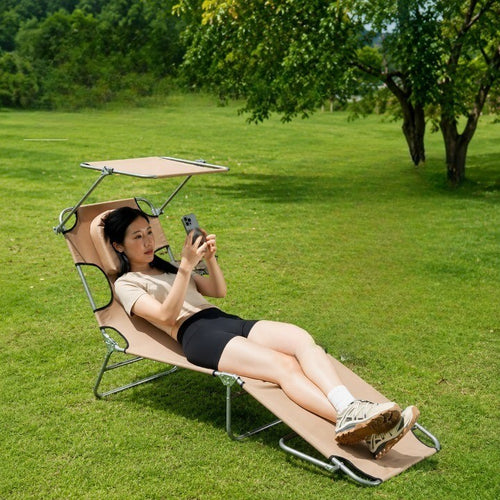
27,212.00TL Golden Hour Face-Down Sunbathing Lounger
Sunloungers
27,212.00TL
Sunloungers
2,914.00TL Zip & Go 2-in-1 Convertible Hiking Pants
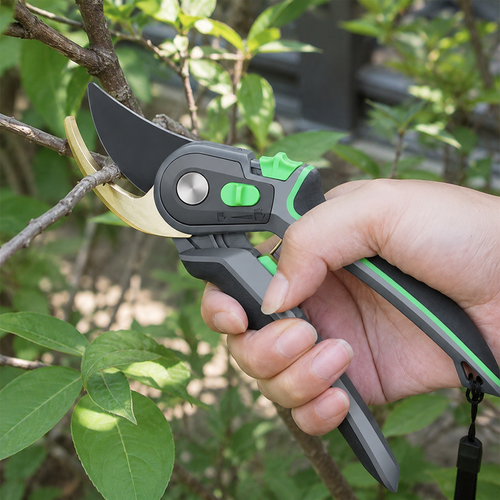
1,942.00TL Snap Through Ratchet Pruning Shears
Garden & Outdoor
1,942.00TL
Garden & Outdoor